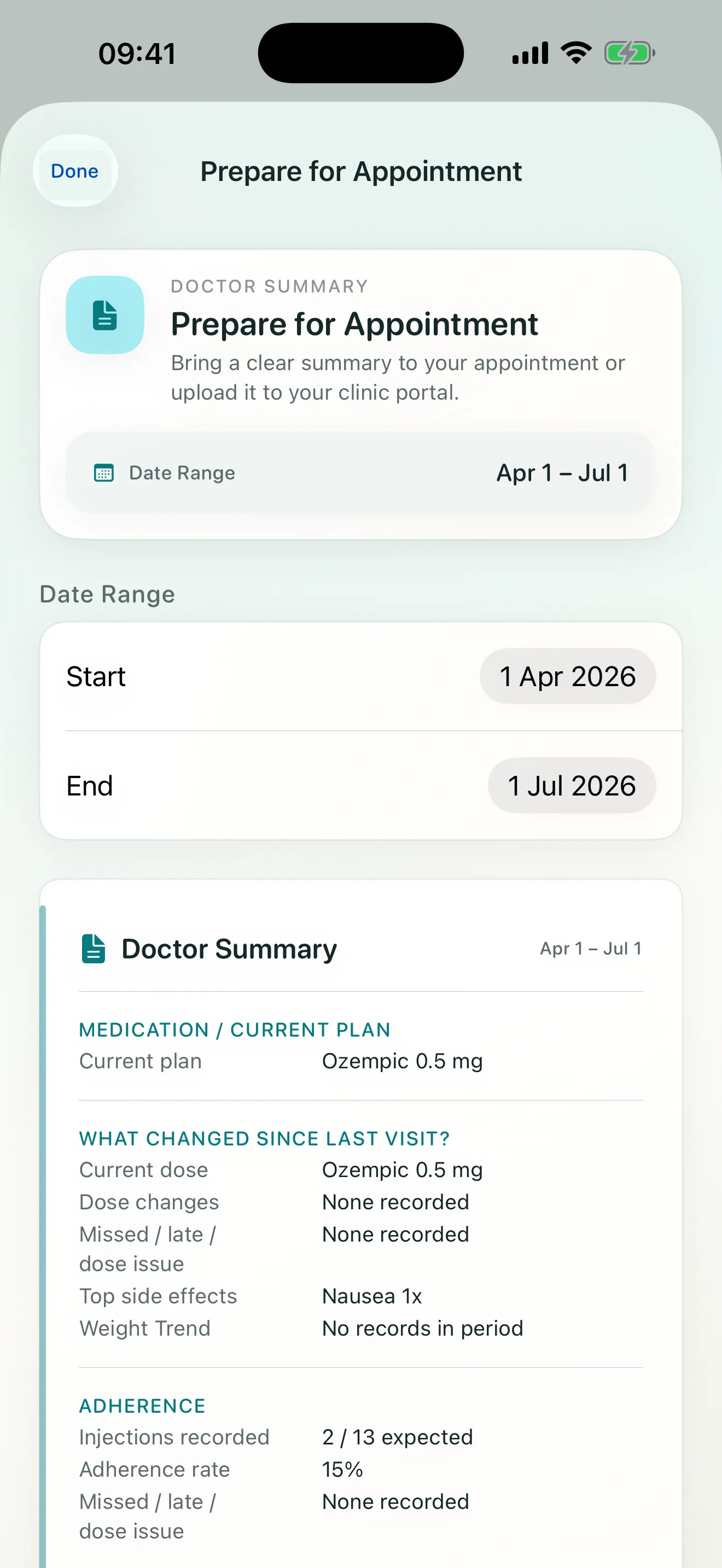
Preparing a useful follow-up summary starts before the appointment. The goal is not to create a diagnosis. It is to bring a readable record of what you entered, when it happened, and what changed.
Many GLP-1 follow-up conversations come back to the same questions:
- current and prior weight,
- adherence in the last month,
- side effect profile,
- treatment response.
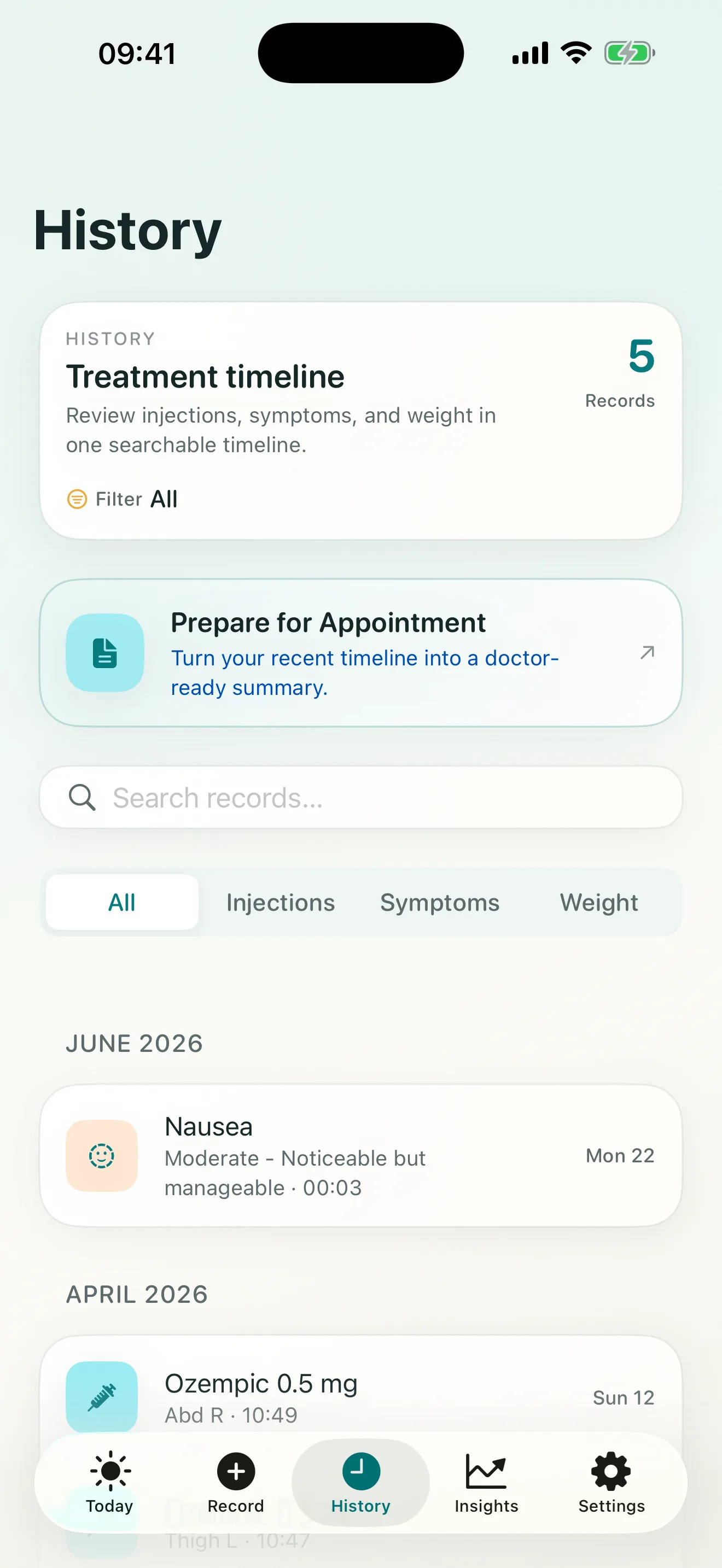
Steadiva’s report flow is designed around that reality. Open Prepare for Appointment, choose the period you want to review, and check the underlying History entries before sharing anything.
Choose the date range you want to review, and the app prepares:
- Dose timeline and consistency.
- Weight direction and trend.
- Symptom frequency summary.
- Notes section for context before the follow-up.
Before exporting, scan for missing injections, symptoms that need a short note, and weight entries that may have been recorded on a different day. A complete record is easier to discuss than a polished report built from gaps.
The summary stays descriptive: it organizes user-entered facts and does not recommend medication or dose changes. See how Steadiva supports follow-up preparation alongside the report.
Source and scope
The general preparation guidance here is consistent with MedlinePlus guidance on making the most of a doctor visit, including preparing questions and bringing relevant health information. Steadiva’s screens and report behavior are described from the current app; this article does not add clinical recommendations.