To prepare for a GLP-1 follow-up, review the recent treatment timeline and bring the questions you want answered. A concise, checked record is more useful than a large export you have not read.
1. Check the injection timeline
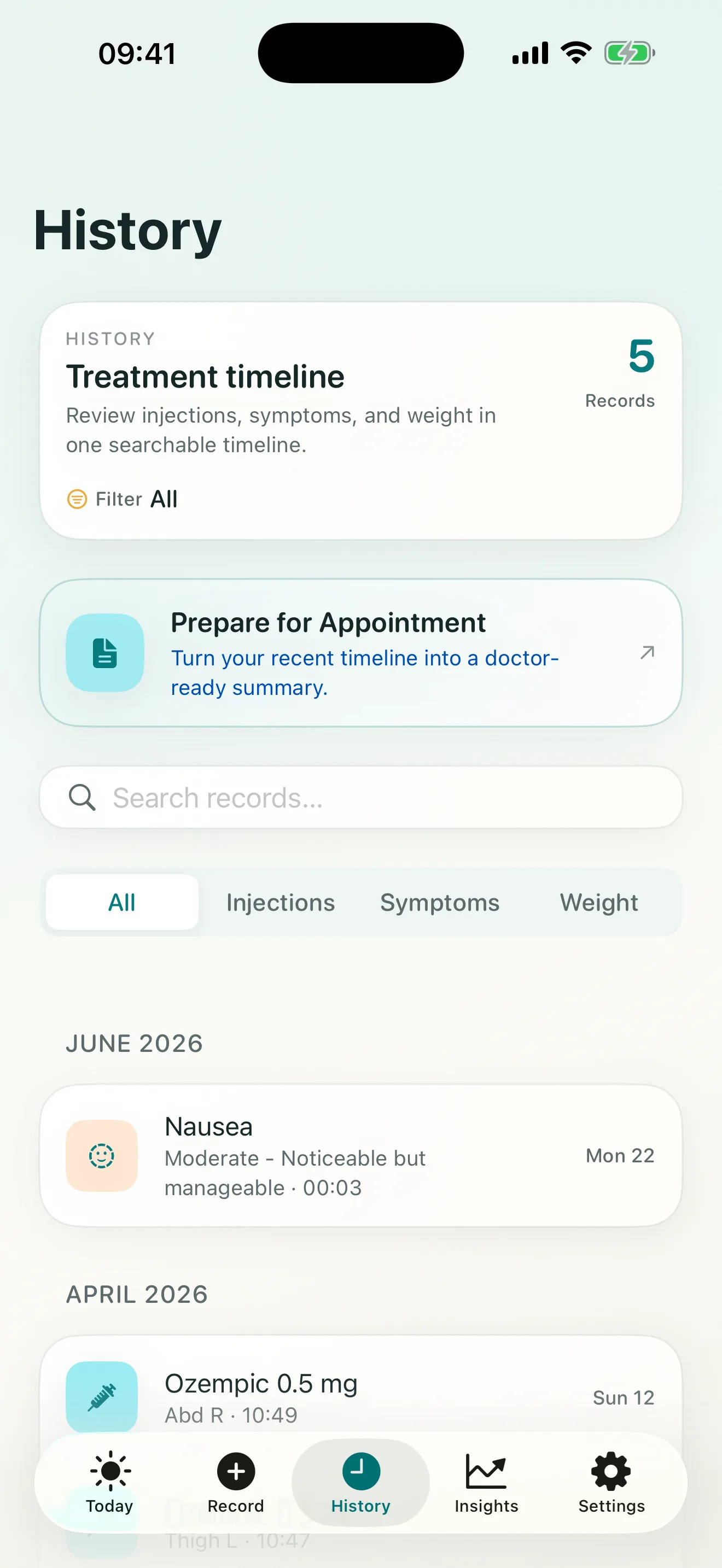
Confirm that recent injection dates, doses, times, and sites are present. Look for gaps, accidental duplicates, or entries that need a clarifying note. If you are uncertain about an old detail, label that uncertainty instead of guessing.
2. Review symptom context
Identify symptoms you want to discuss and check whether the timeline includes severity and approximate timing. The record should describe what you experienced; it should not attempt to diagnose the cause.
3. Check weight entries and other notes
Make sure weight checkpoints have dates and that any unusual week has enough context to understand later. You do not need an entry for every day. Keep the data that helps explain the period under review.
4. Write your questions separately
The timeline preserves events, while your question list keeps the visit focused. Questions might cover unclear instructions, symptoms, scheduling, or what information to track next. Medication and dose decisions should be made with a licensed clinician.
5. Create and review the summary
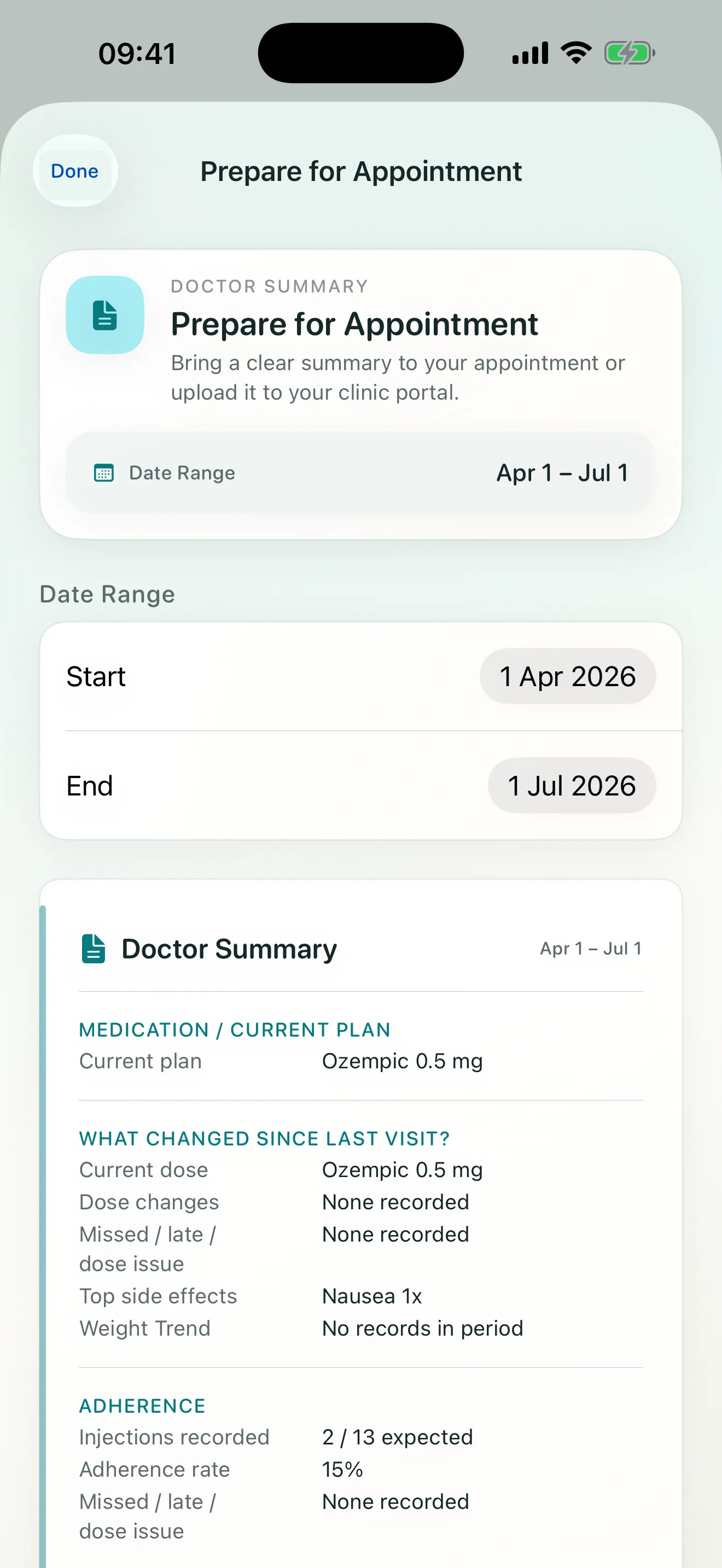
In Steadiva, open Prepare for Appointment, select the relevant range, and review the Doctor Summary before exporting or sharing it. Confirm that it contains only information you intend to share.
For the matching product workflow, see Prepare for Appointment. For more detail on the output, see how to build a reviewable follow-up report.
Source and scope
MedlinePlus guidance on making the most of a doctor visit recommends preparing questions and bringing relevant records. The Steadiva workflow described here reflects the current app and supports preparation only; it is not medical advice.