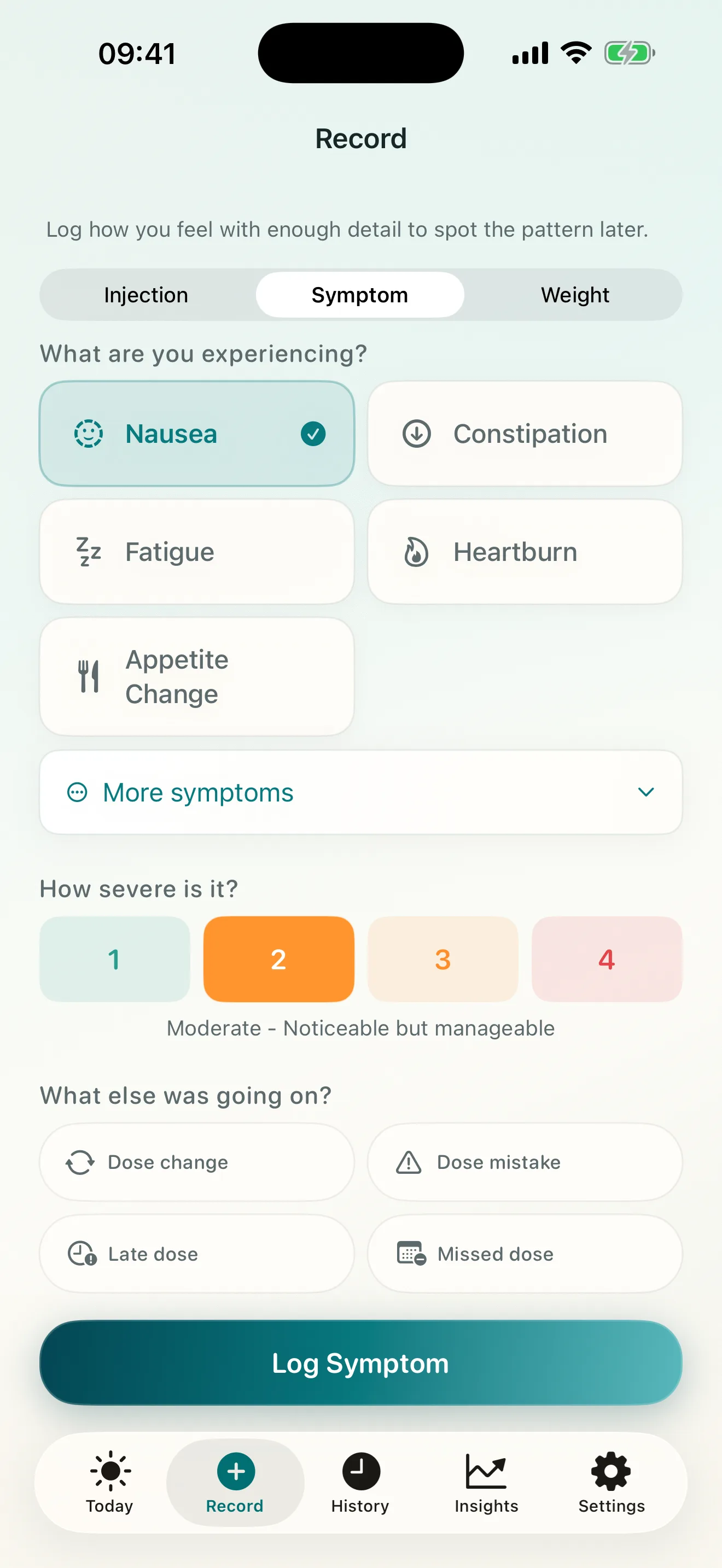
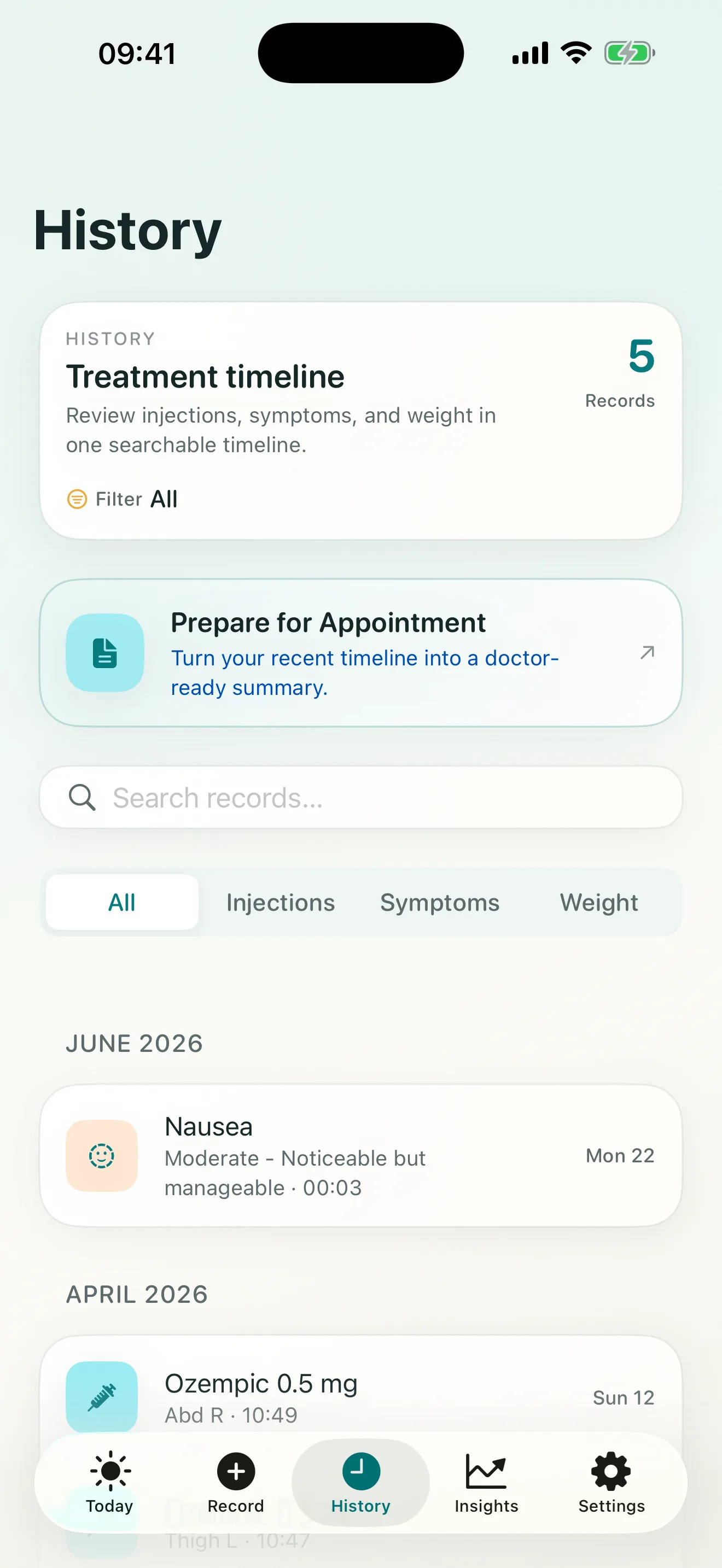
A GLP-1 symptom timeline is a dated record of what you experienced. Its purpose is to preserve context for a follow-up, not to prove that a medication caused a symptom.
Record four pieces of context
When a symptom is worth tracking, capture:
- What: the symptom in plain language.
- When: the date and approximate time it began.
- How much: a consistent severity level.
- What was happening nearby: dose timing, a recent dose change, injection site, or a short factual note.
Consistency matters more than elaborate wording. If you use a four-level severity scale, keep using the same scale so entries remain comparable when you review them.
Write observations, not conclusions
“Nausea began Tuesday morning and felt moderate” is an observation. “This dose caused nausea” is a conclusion the log cannot establish by itself. Keeping those separate makes the timeline easier to discuss with a clinician.
Do not wait for the appointment to write every entry from memory. Short notes recorded close to the event usually preserve timing and severity better than a long retrospective paragraph.
Review the sequence before the visit
Before a follow-up, scan for repeated symptoms, changes in severity, and entries near dose changes. Mark the questions you want to ask rather than trying to answer them inside the log.
If a symptom feels urgent or severe, do not wait for a tracking workflow or a future appointment; seek appropriate medical help. Steadiva is a recordkeeping tool, not an emergency service.
The GLP-1 symptom tracker page shows how Steadiva keeps these entries connected to the broader treatment timeline.
Source and scope
MedlinePlus guidance on talking with your doctor recommends preparing questions and sharing relevant health information. The fields and workflow described here come from the current Steadiva app. The article does not diagnose symptoms or provide medicine-specific instructions.